
Your plan
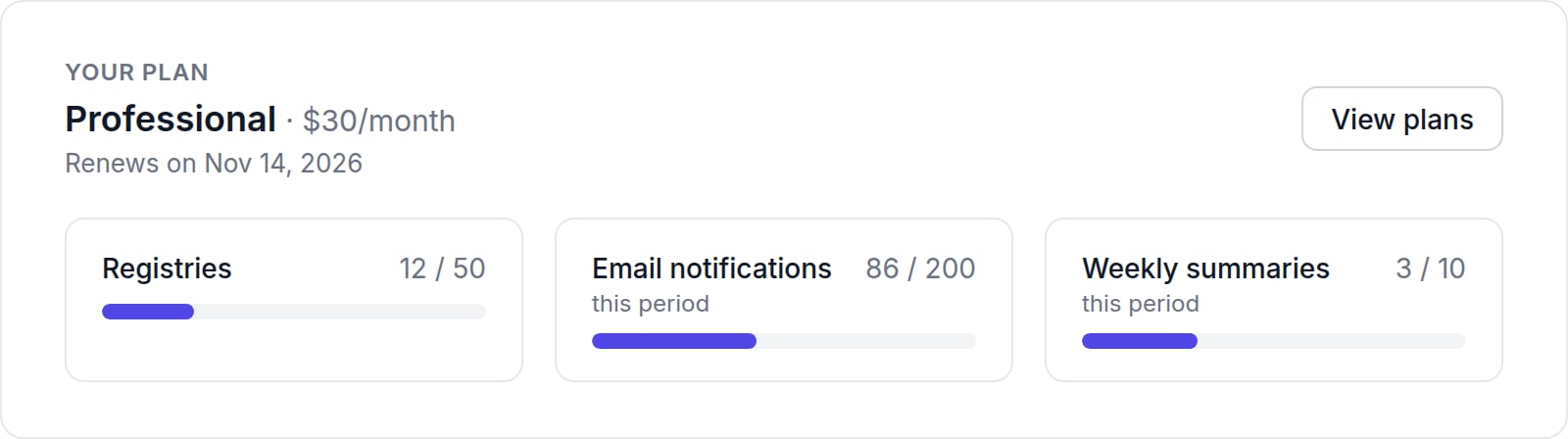
- Registries: active registries compared with your plan’s limit.
- Email notifications · this period: emails sent compared with your plan’s limit.
- Weekly summaries · this period: weekly summary emails sent.
Stats
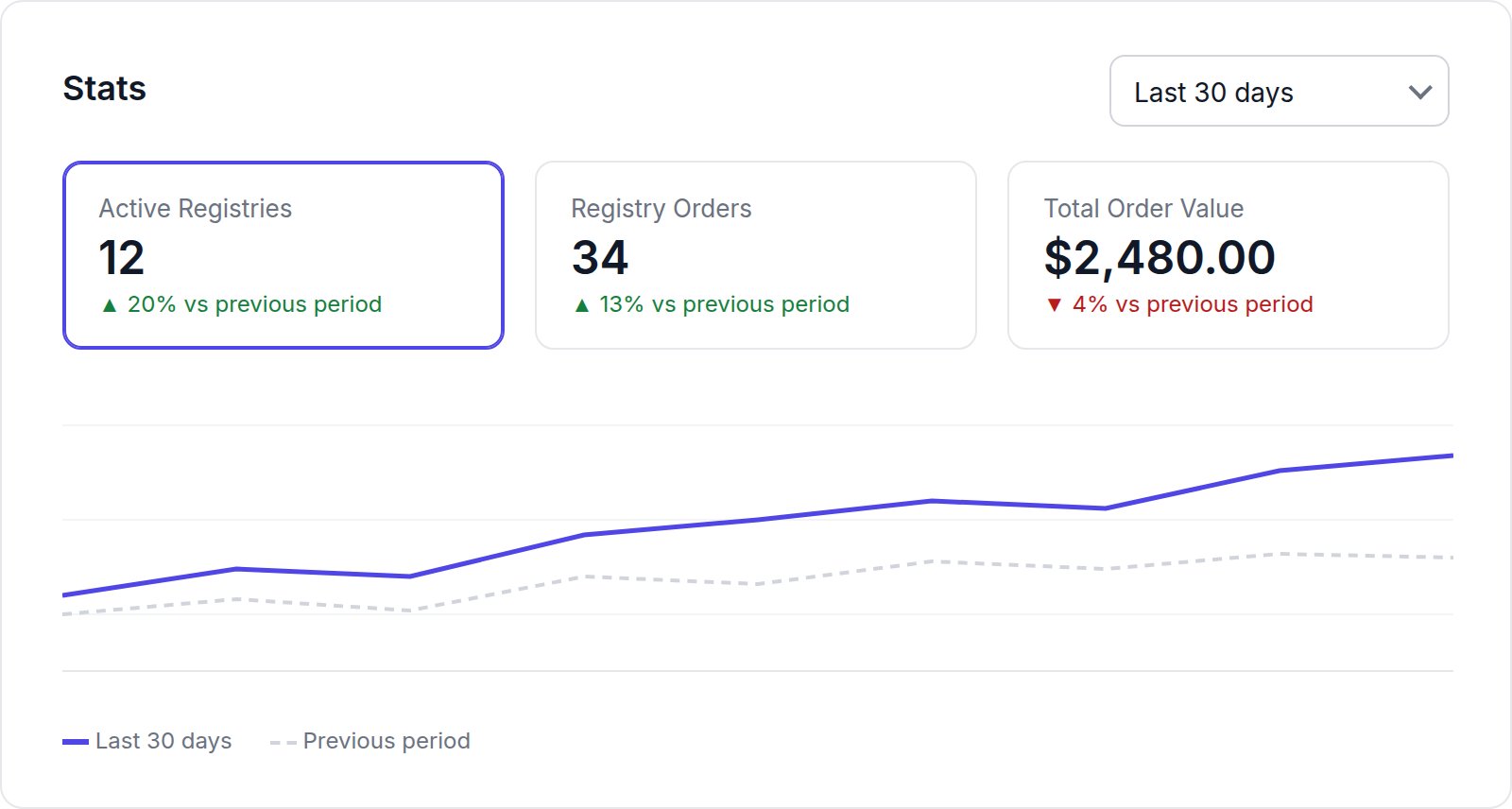
- Active Registries: registries whose event date is today or later;
- Registry Orders: orders placed for a registry;
- Total Order Value: the value of those orders, in your store currency.
Your plan’s registry limit counts every registry that hasn’t been deleted, including ones whose event has passed. That is why Registries in Your plan can be higher than Active Registries.
Setup Guide
The six-step Setup Guide links to each setup task. It follows the same steps as the quickstart.Shortcuts
- View your Registries opens the Registries list.
- Customize the style of your Registry opens Settings.