
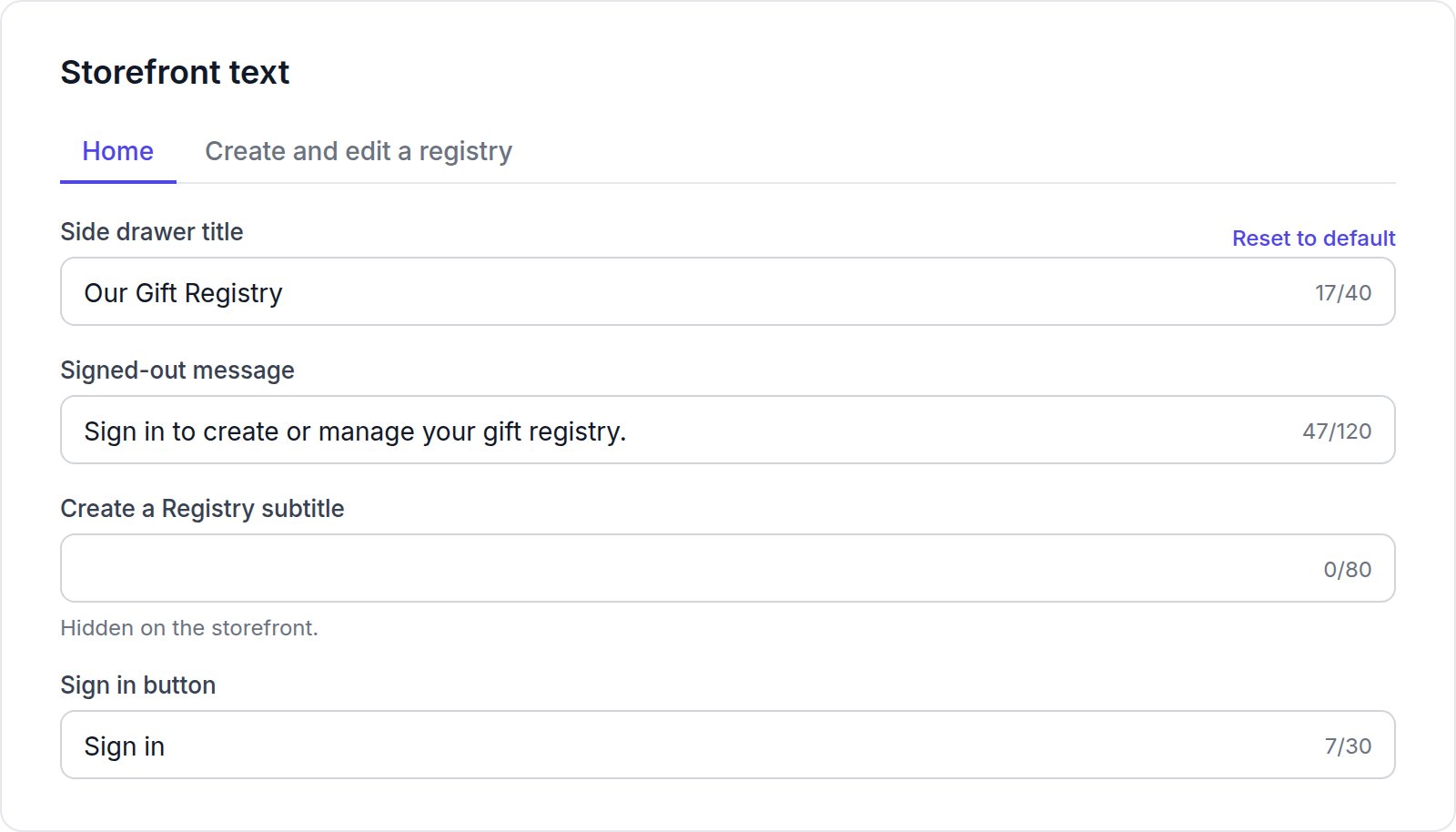
How empty fields work
- Subtitles, descriptions and footer text: leave the field empty to hide that text on your storefront. The field shows “Hidden on the storefront.”
- Titles, buttons and links always show. If you leave one empty, the default text is used.
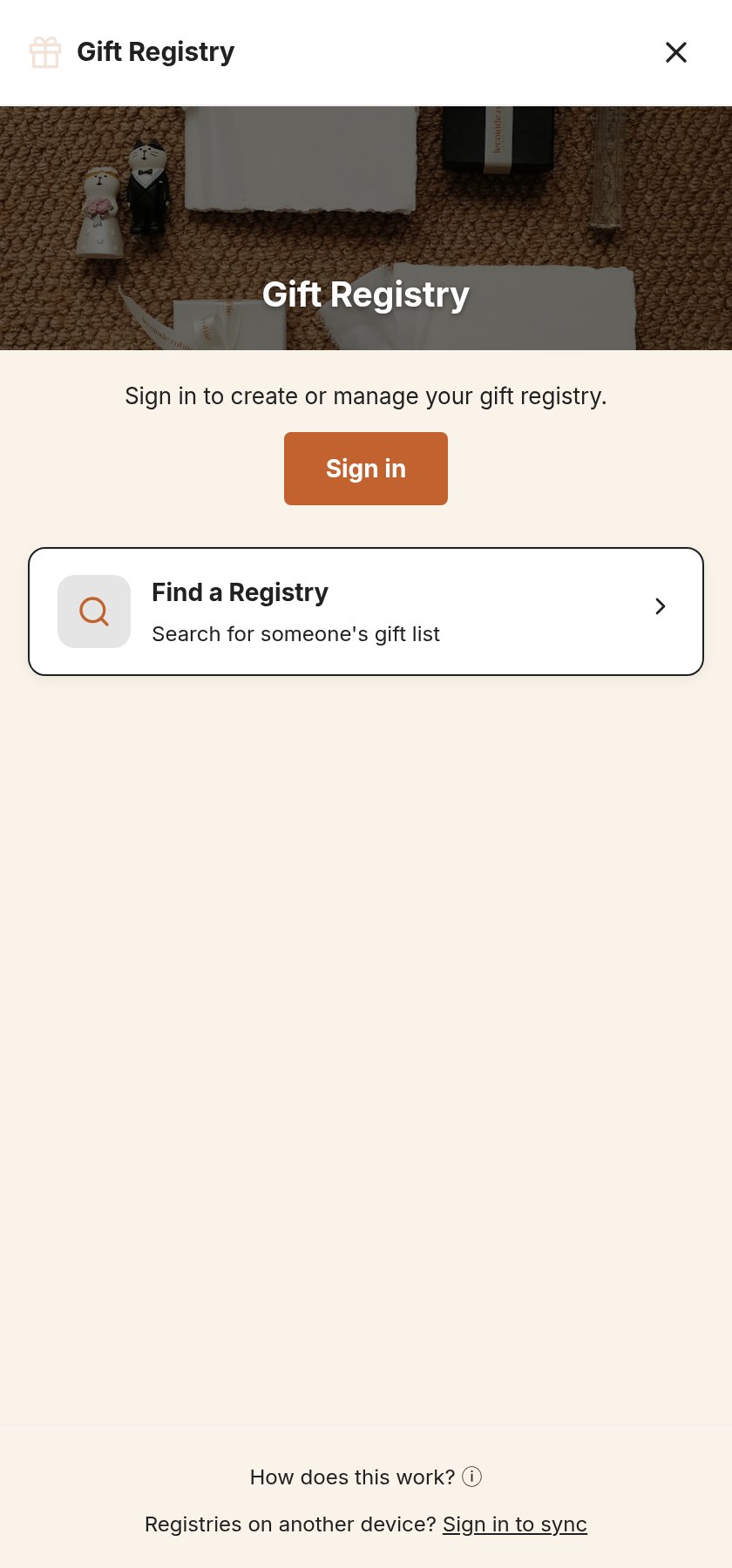
Home
Create and edit a registry
These are the titles and descriptions of the Advanced settings options.The banner title and subtitle are set separately, under General settings → Hero Banner. The How it works steps on the registry page are set in the registry page block.