
- The theme editor, in the Gift Card Registry Widget app embed settings: colours, the floating button, pagination, sign-in behaviour and custom CSS.
- The app, under Settings: the hero banner, storefront text, date format and the product card icon.
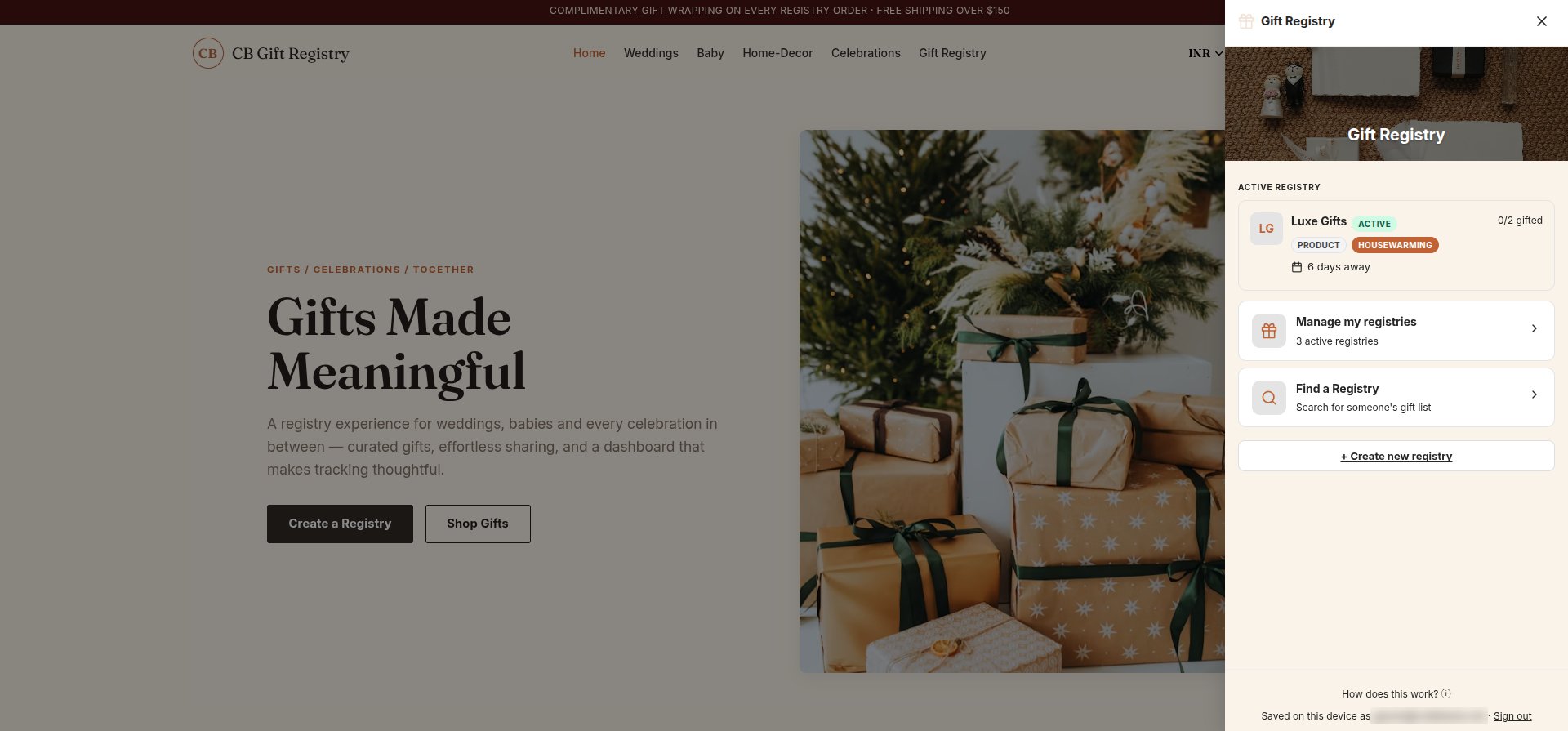
App embed settings
Open Online Store → Themes → Customize → App embeds and click Gift Card Registry Widget to expand its settings.Side Drawer Styling
Side Drawer Styling
General Colors & Integration
General Colors & Integration
Collections & Pagination
Collections & Pagination
Advanced Settings
Advanced Settings
Hero banner
The banner at the top of the registry is shared by the side drawer and the registry page. Set it in the app under Settings → General settings → Hero Banner.The customizable hero banner is part of the Professional plan and higher. See Plans.