
- the floating Registry button and the side drawer;
- the Add to Registry window on product pages;
- the Add to Registry buttons on product cards;
- the registry links in emails and share links, which open the registry from your store’s home page.
Turn it on
1
Open the theme editor
In your Shopify admin, go to Online Store → Themes and click Customize on your live theme.
2
Open App embeds
In the left sidebar, click the App embeds icon.
3
Switch it on
Find Gift Card Registry Widget and switch it on.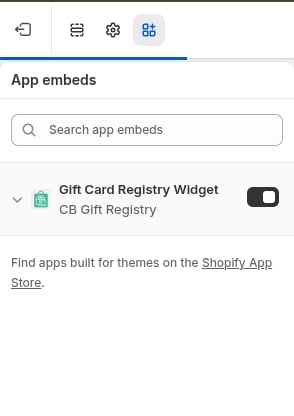
4
Save
Click Save in the top right corner.
Check that it worked
In the app, open Settings → General settings. The App Status panel shows App is Enabled when the embed is on, and App is Disabled when it is off. You should also see a Registry button on the right side of your storefront. You can move, rename or hide it in the embed settings. See Customize the appearance.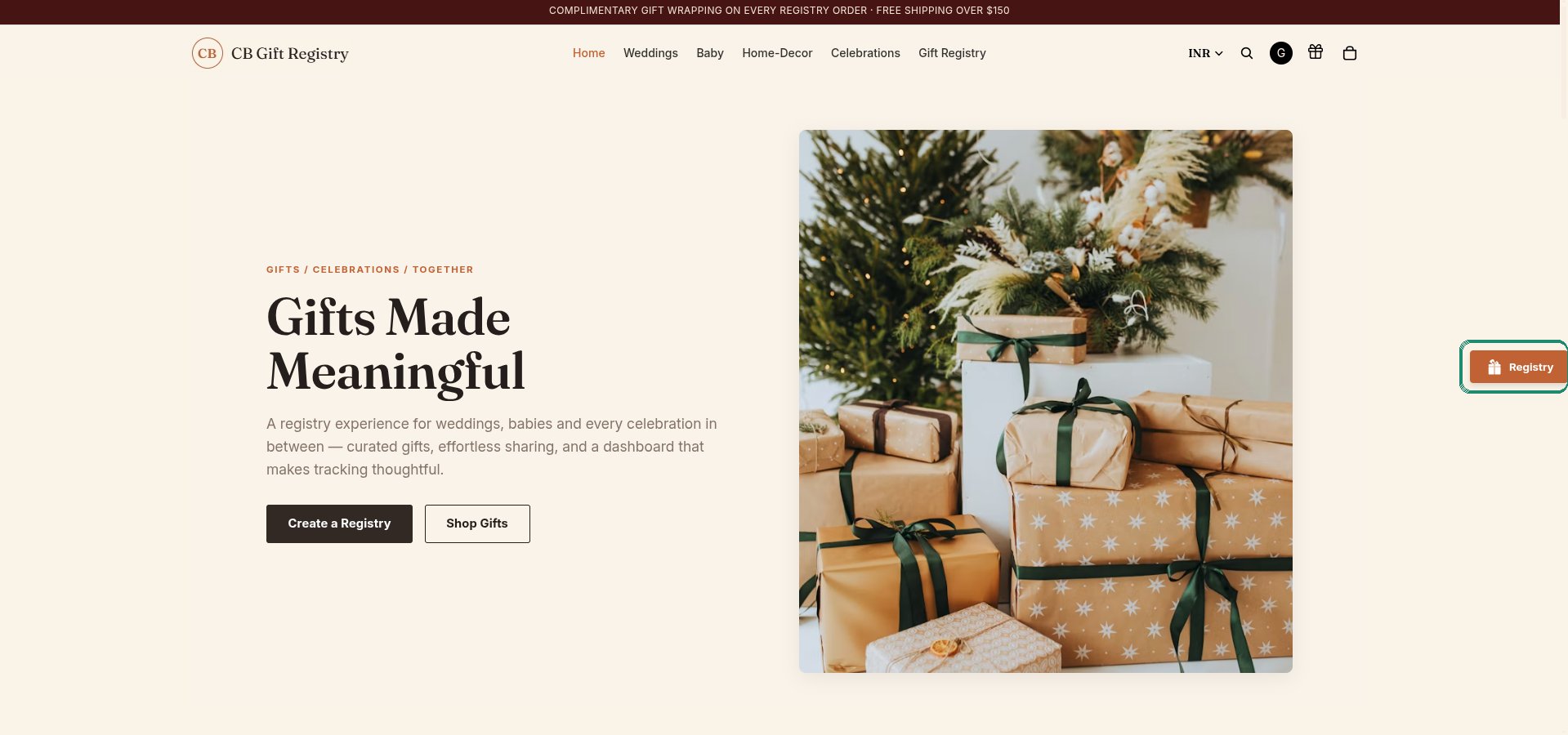
If you change to a new theme, turn the app embed on again in that theme.