
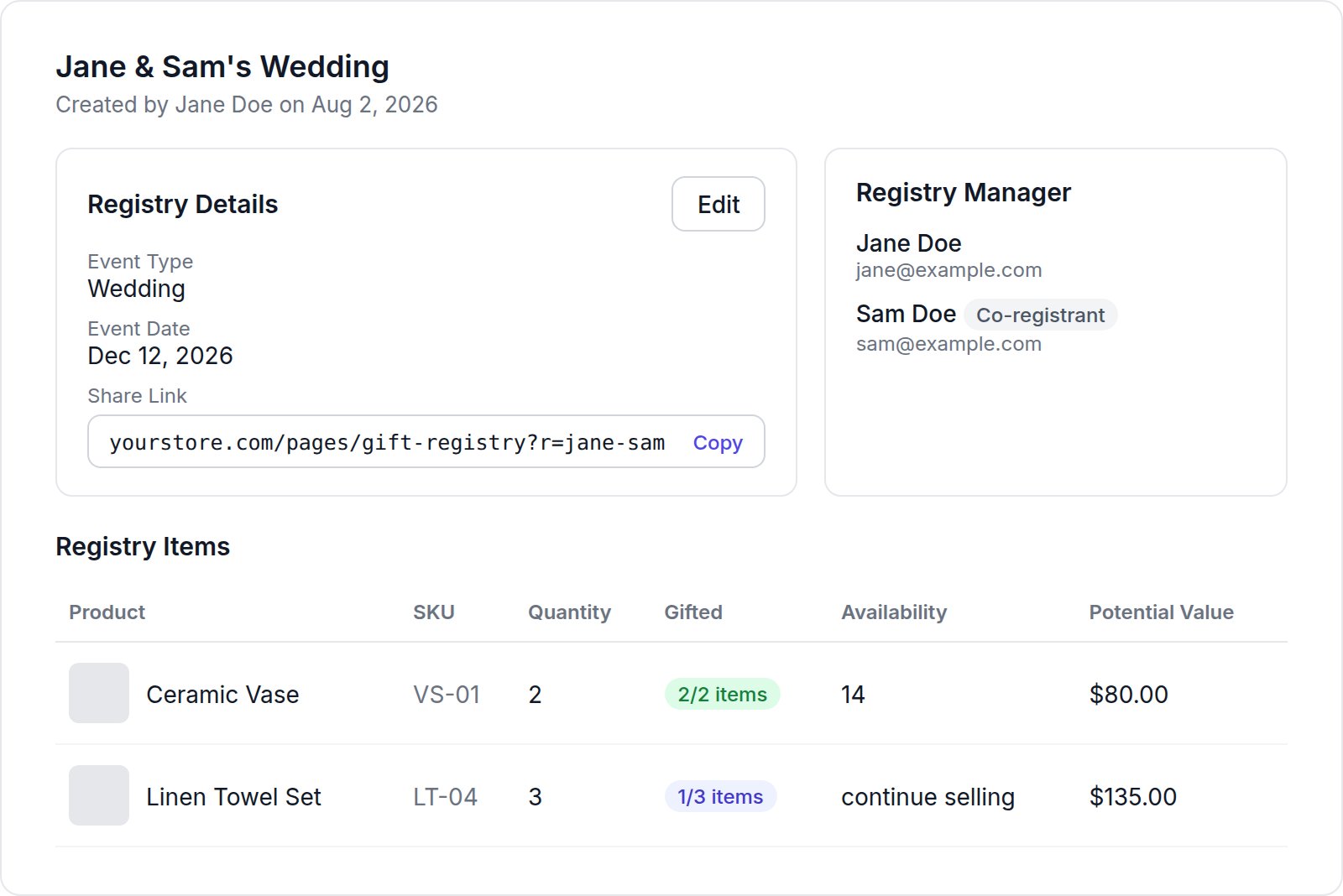
Registry Details
Click Edit to change:- Name;
- Description (up to 300 characters);
- Event Type;
- Event Date;
- Password Protected and Password. Leave the password blank to keep the current one. Password protection needs the Startup plan or higher;
- Has Co-Registrant, with the co-registrant’s first name, last name and email.
Registry Items
To remove several items, tick them and click Delete Selected.
Orders
The Orders table lists every order placed for this registry, with the order number (linked to the Shopify order), date, fulfillment status, customer and products.On plans below Professional, the gift buyer’s name and email are partly hidden, for example “J***”. Upgrade to see full purchase history. See Plans.