
Find a registry
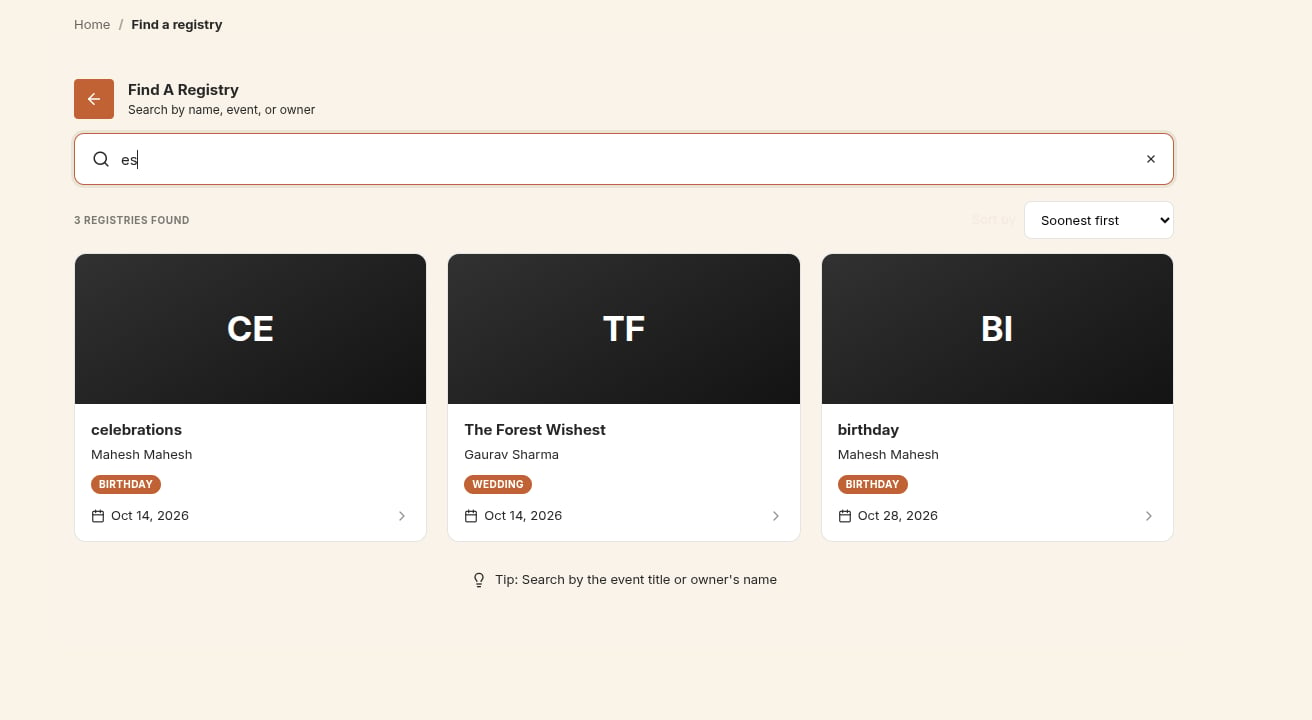
Buy a gift
1
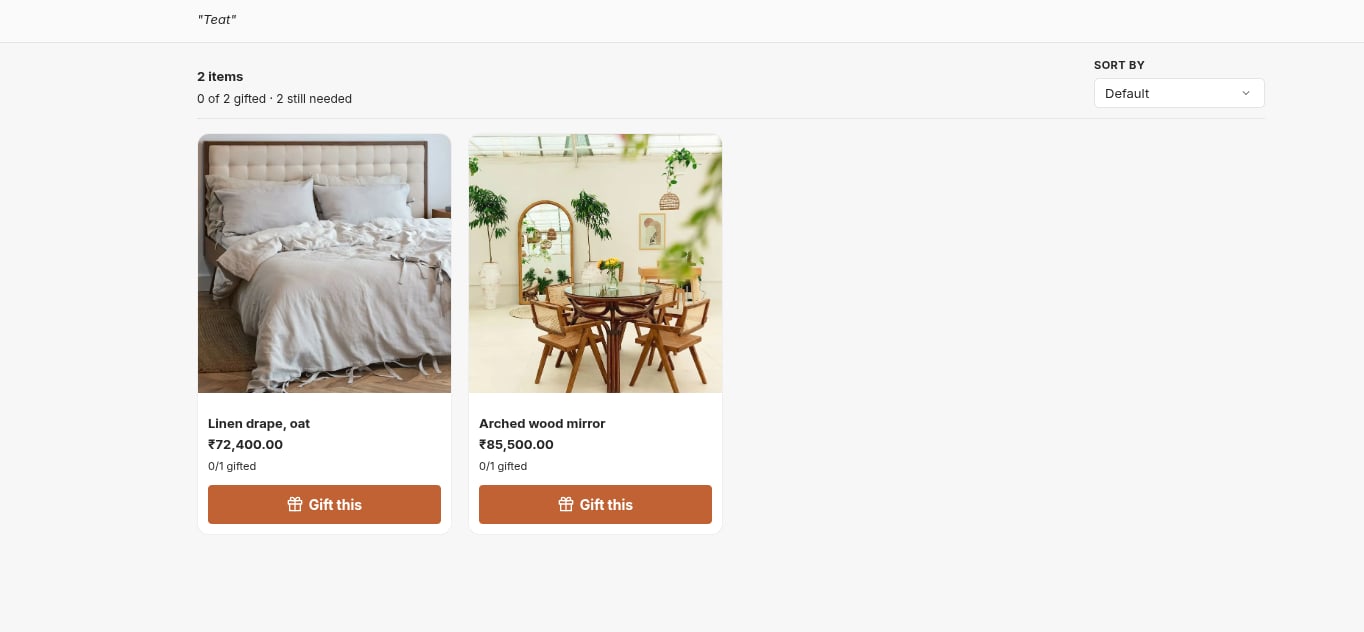
Choose a gift
Each item shows its price and availability. Guests can filter by Still needed or Already gifted, and sort by price, name or date added.
2
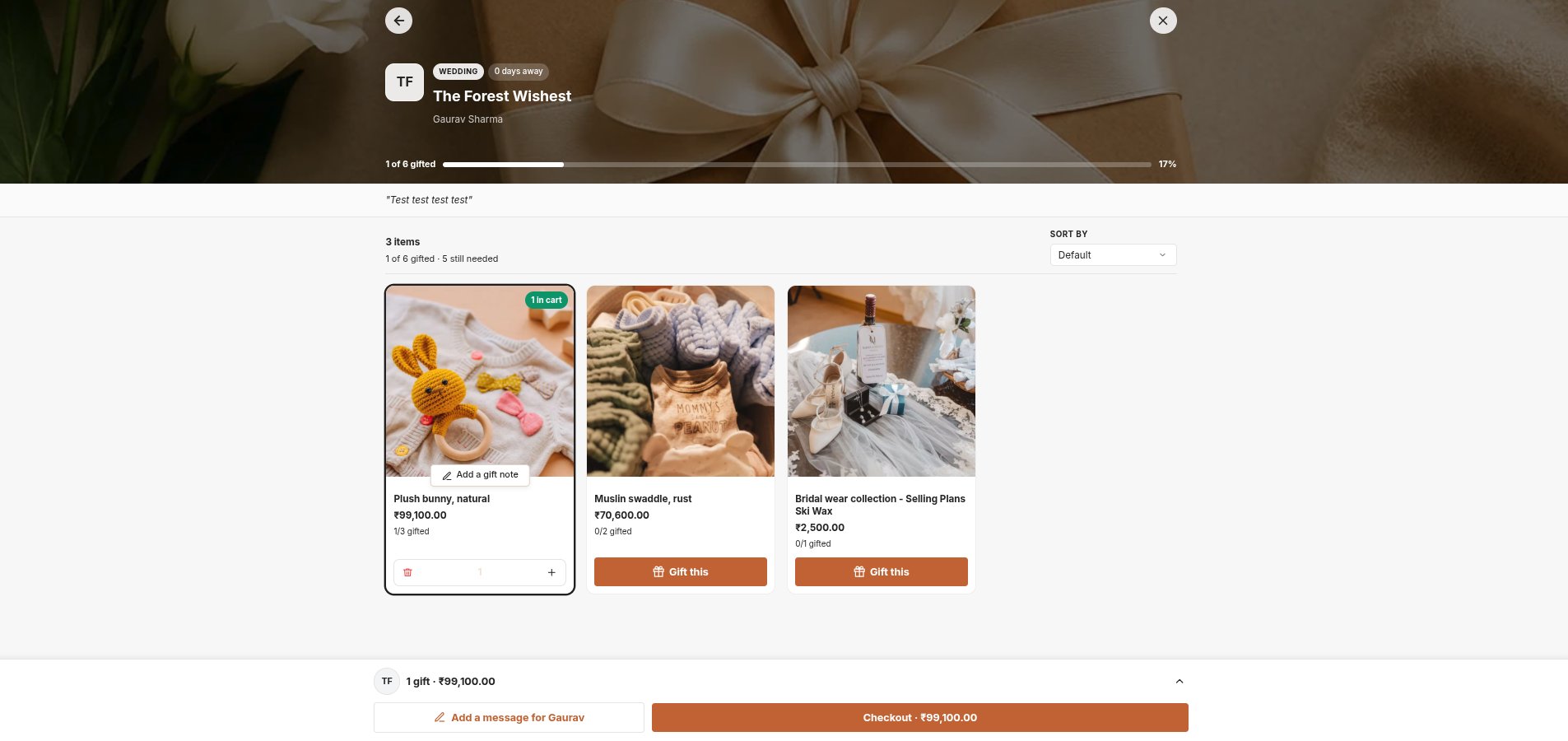
Gift this
Gift this adds one to the cart straight away. Guests can increase the quantity up to the number still needed.
3
Add a gift note (optional)
Add a gift note attaches a note of up to 240 characters to that item. It is saved on the order as Note, so you can see it when fulfilling.
4
Check out
Checkout takes the guest to your normal Shopify checkout.
What the order looks like
Registry items in the cart and on the order carry a Registry Name line property, plus Note when the guest added one. This tells you which registry a product was bought for.After the purchase
- The item is marked as bought in the registry, for example Gifted ✓.
- The owner receives an email, if they kept Email notifications on.
- The buyer receives a confirmation email, and you receive an admin notification. See Email notifications.
- If the order is cancelled or refunded, the bought count goes back down automatically.